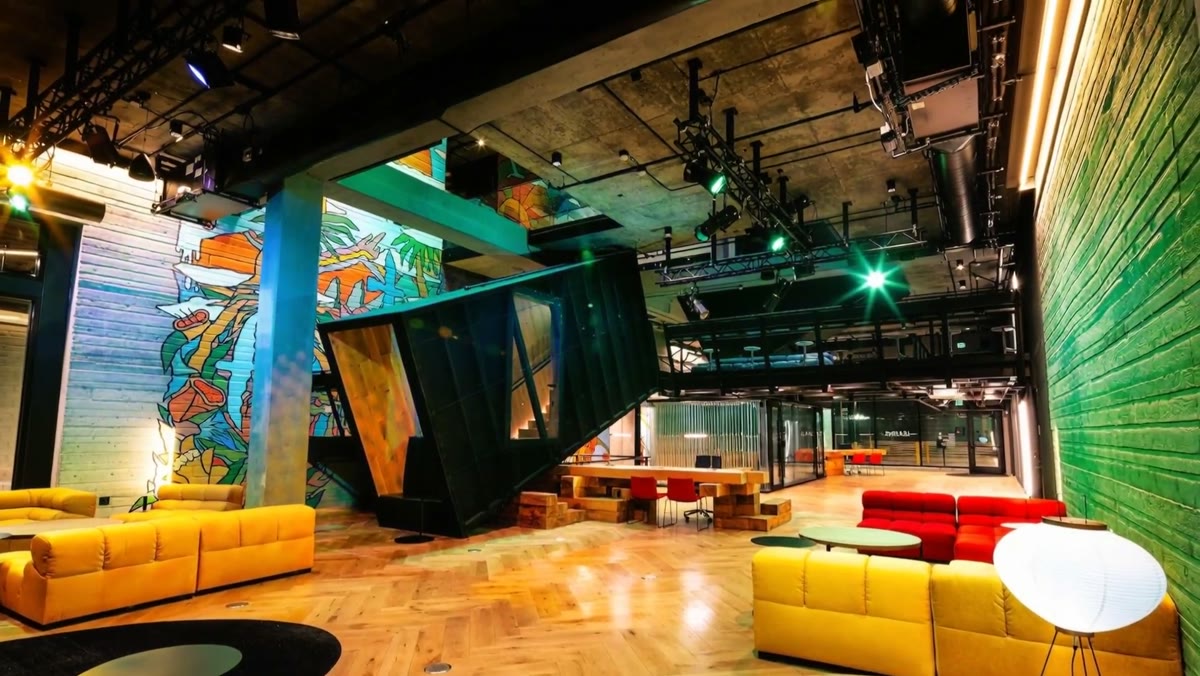
A venue with lighting rigs and lounge seating

ENTERTAINMENT

Set the scene before anyone arrives.

Venues, location scouting and studios. Producers, promoters, planners and guests all ask the same first questions: what does it look like, what fits, and how do I get in. SONO answers them in one link.

WHO IT’S FOR

Built for entertainment.

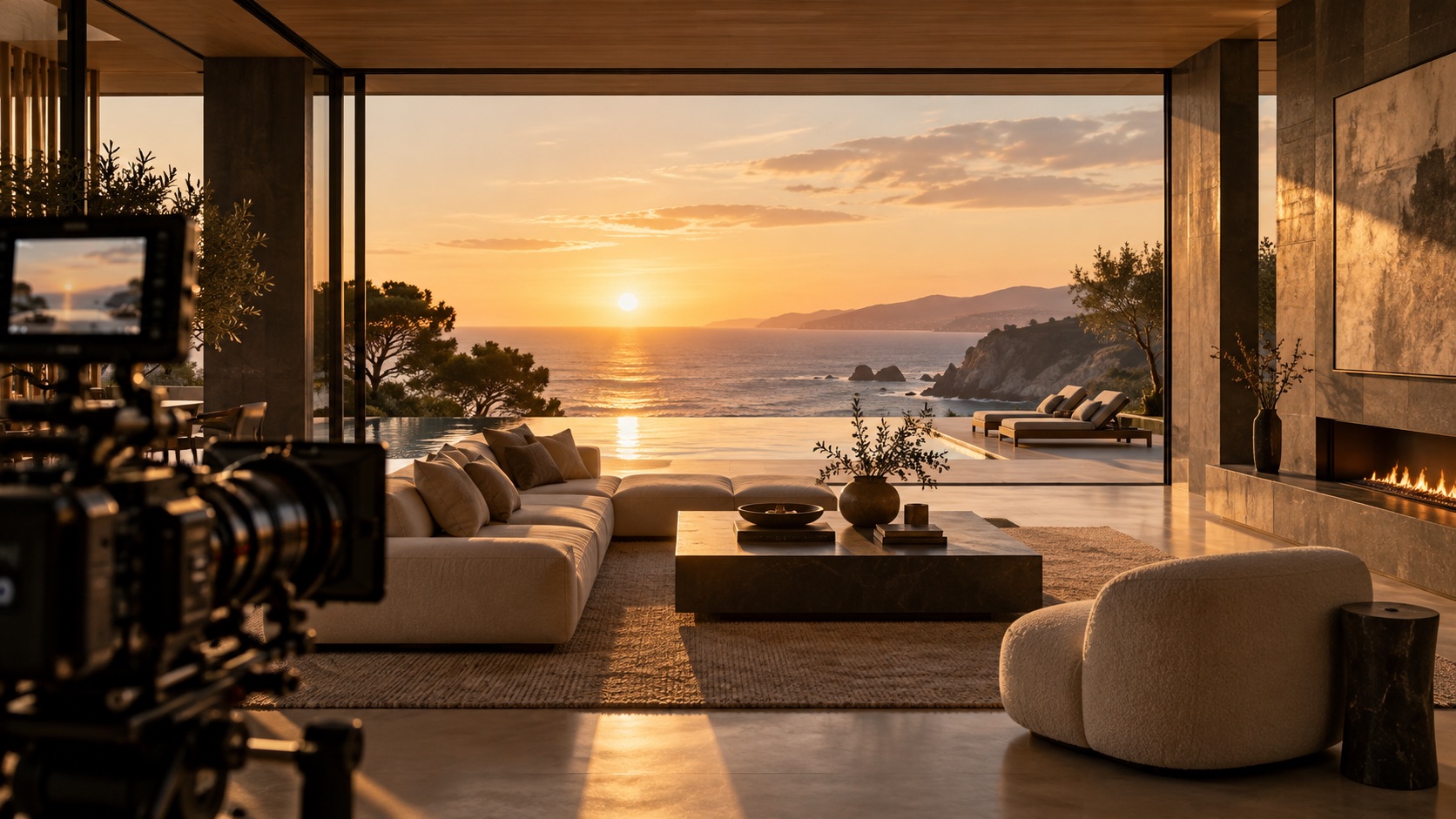
A lounge at sunset with a camera set up
01

Venues

Music venues, theaters and clubs: what’s on, what it looks like, and how to book the room.

  • What’s On for shows and weekly nights, with ticket links.
  • Opening hours, the bar menu, directions and a call button on the first screen.
  • Capacity, stage and room details, with virtual tours and videos of every space.
  • Private-hire inquiries that arrive with the room attached.

A coastal location at sunset
02

Location scouting

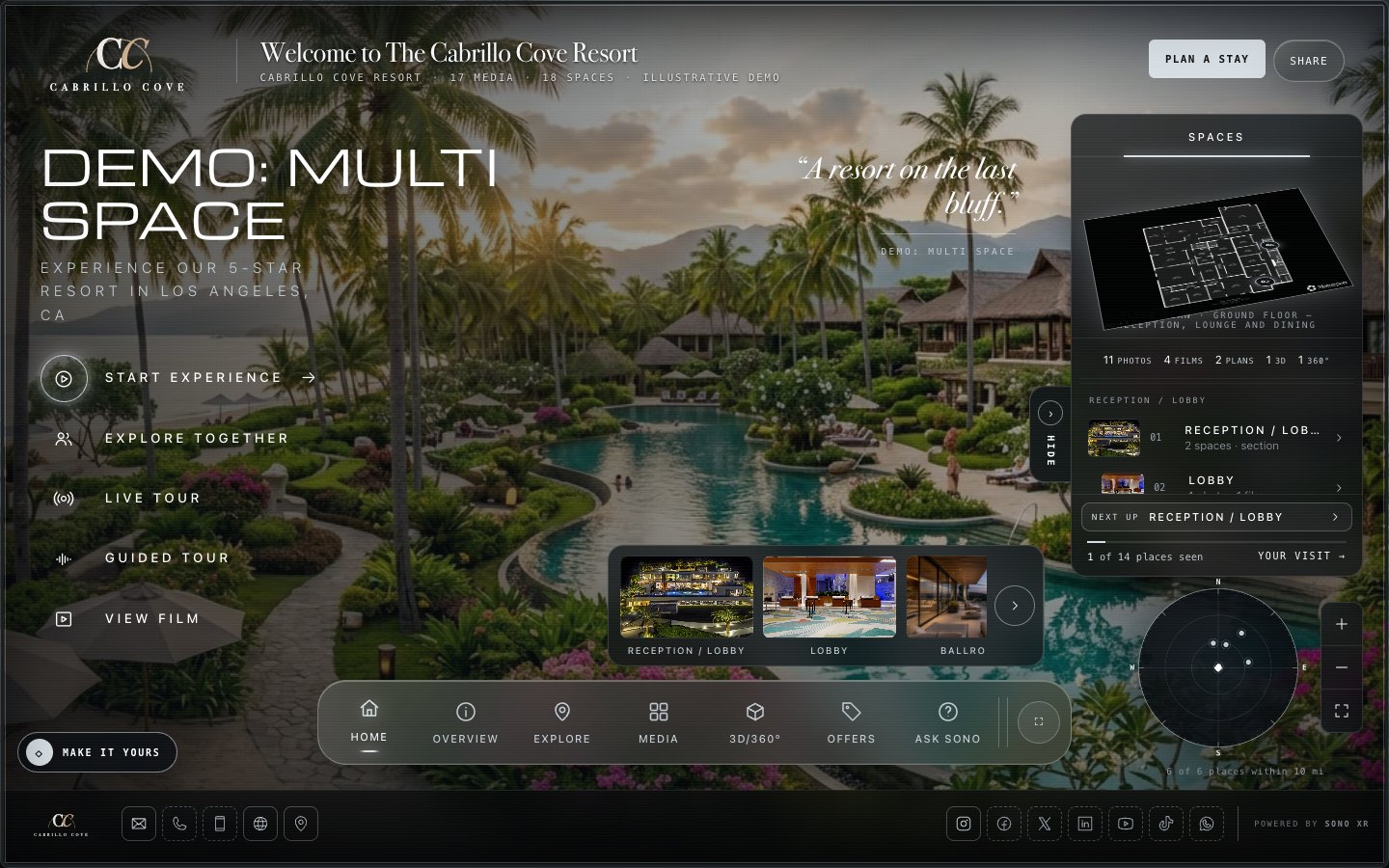
Every option in one place, with the panoramas, photos, power and parking, and you see which ones they open.

  • Each location is its own space with its panoramas, photos, videos and notes.
  • A personal link for each producer or director.
  • See which options they opened.
  • Walk the shortlist together on a call with Explore together.
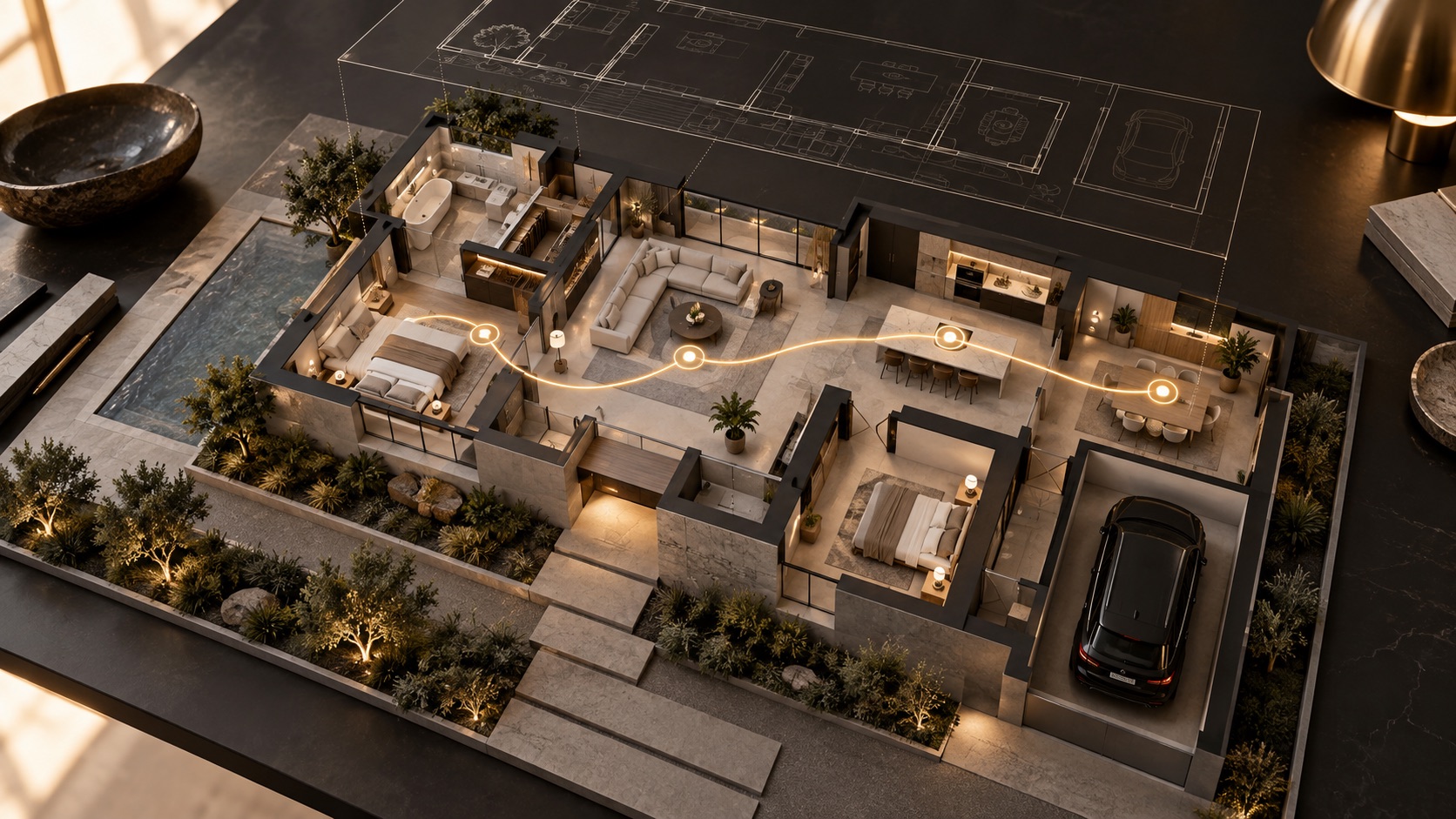
A model of a site plan with routes
03

Studios

Stages, sets, power and parking in one place, so producers and crews plan before they arrive.

  • Every stage, set and support space with its plans, virtual tours and spec sheets.
  • Arrival and parking: a printed-style map with written steps, under Location.
  • The lot on an immersive 3D map with walking routes from parking, as an add-on.
  • Lobby displays and kiosk mode for the front desk, by commission.

WHAT IT DOES FOR YOU

Fewer scouts. Faster yeses.

01

Fewer scouts and site visits.

Productions and planners shortlist from the link, then visit the one or two that fit.

02

Every spec in one place.

Stages, rooms, capacity, power, parking and documents, instead of a deck, a drive folder and a call.

03

Know who is interested.

See who opened it and what they looked at. Add a name to a link and get an email the first time they open it.

04

One link for every booking.

Your site, your rate card email and the QR code at the gate all open the same Showcase.

FEATURES

What does the work.

All of it is in the product today. Add-ons and commissioned work are marked.

Multi-Space

Every stage, room, set or location option with its own media and its own inquiry.

What’s On

Shows and weekly nights, soonest first, with ticket links or your Book button.

Arrival and parking

A map with written steps, so crews and guests find the right gate.

Immersive 3D Map

The lot or the neighborhood in 3D with routes from parking. Add-on.

Assets you already have

Photos, videos, aerial, panoramas, virtual tours, 3D models, plans and documents.

Explore together

Present the space live to a producer or client, from anywhere.

Personal links + Signals

Know when each producer opened it, and what they looked at.

Your own address

With Visitor White-Label, Portfolio or the Venue plan, share it at your own address, like tour.yourbrand.com. One DNS record on your side; SONO connects it and secures it.

HOW IT WORKS

Live in days, not months.

  1. 01 · Bring what you have

    Photos, panoramas, virtual tours, plans, spec sheets and the parking map.

  2. 02 · One space per stage or option

    Arrange it the way productions think about it.

  3. 03 · Send a link per producer

    Personal links, unlisted by default.

  4. 04 · Follow up with context

    See which spaces they opened, then call.

QUESTIONS

Asked and answered.

Can it show several locations at once?

Yes. A Multi-Space Showcase holds every option as its own space. Several separate sites in one experience are built with your team by commission.

Can productions see power, parking and specs?

Yes. Add them as details and documents on each space, with an arrival and parking map under Location.

Can it stay private?

Yes. Unlisted by default, with a password option, and you can pause a link anytime.

Will it work for a public venue too?

Yes. Opening hours, What’s On, the menu and directions put a venue’s essentials on the first screen.

Let them see the space before the scout.

Join the beta and tell us about your venue, locations or studio.

START WITH ONE SPACE

Let’s talk.

AVAILABLE TODAY

What you can put to work now.

  • Guided SONO Showcases with builder access, expert launch review and optional creative add-ons
  • SONO Displays for touchscreens, kiosks and connected spaces
See engagement signals →
START WITH ONE SPACE

Start with one space.

Build your first Showcase with guided tools, then launch with expert review. You control and approve the content; SONO supports the platform and the launch.

01Bring your story02Build with guided tools03Launch with expert review
EXPLORE THE PRODUCT

See how your media, information and next steps come together.

See How It Works →

YOUR PERSONAL WALKTHROUGH

Book a demo.

A personal walkthrough, shaped around your space and what your team needs.

  1. 01 Your details
  2. 02 Choose a time

See what’s possible.
For your space.

Bring your goals and questions. We’ll show you how SONO helps people explore your space, take the next step and stay connected throughout their visit.

WHAT WE’LL COVER

  1. Explore a real Showcase

    See how virtual tours, photos, plans and key details come together, with a clear path to inquire or book.

  2. Make it your own

    Walk through the guided builder, branding and content options, plus Concierge Build if you want us to assemble it.

  3. Connect the whole visit

    Explore how a Showcase can extend into a Visitor App and Lobby Hub for your team and guests.

  4. Find your starting point

    Talk through your spaces, platform plans, optional add-ons and what you need to launch.

START WITH YOUR SPACE

Your space. Your walkthrough.

A few details help us make the most of our time together.

Fields marked * are required.

Next, choose a time and confirm your booking. Privacy policy ↗